> ## Documentation Index
> Fetch the complete documentation index at: https://docs.bloxcord.net/llms.txt
> Use this file to discover all available pages before exploring further.
# Leaderboard
> The Leaderboard is where activity gets its recognition. Once your organization is linked to your game, instantly see who's putting in the most time across your organization. Filter by rank, choose a time period, and include or exclude AFK minutes to get the insights you need.
Guest Features and Gameservers must be configured before activity can be tracked and displayed. Visit the Features tab to get started.
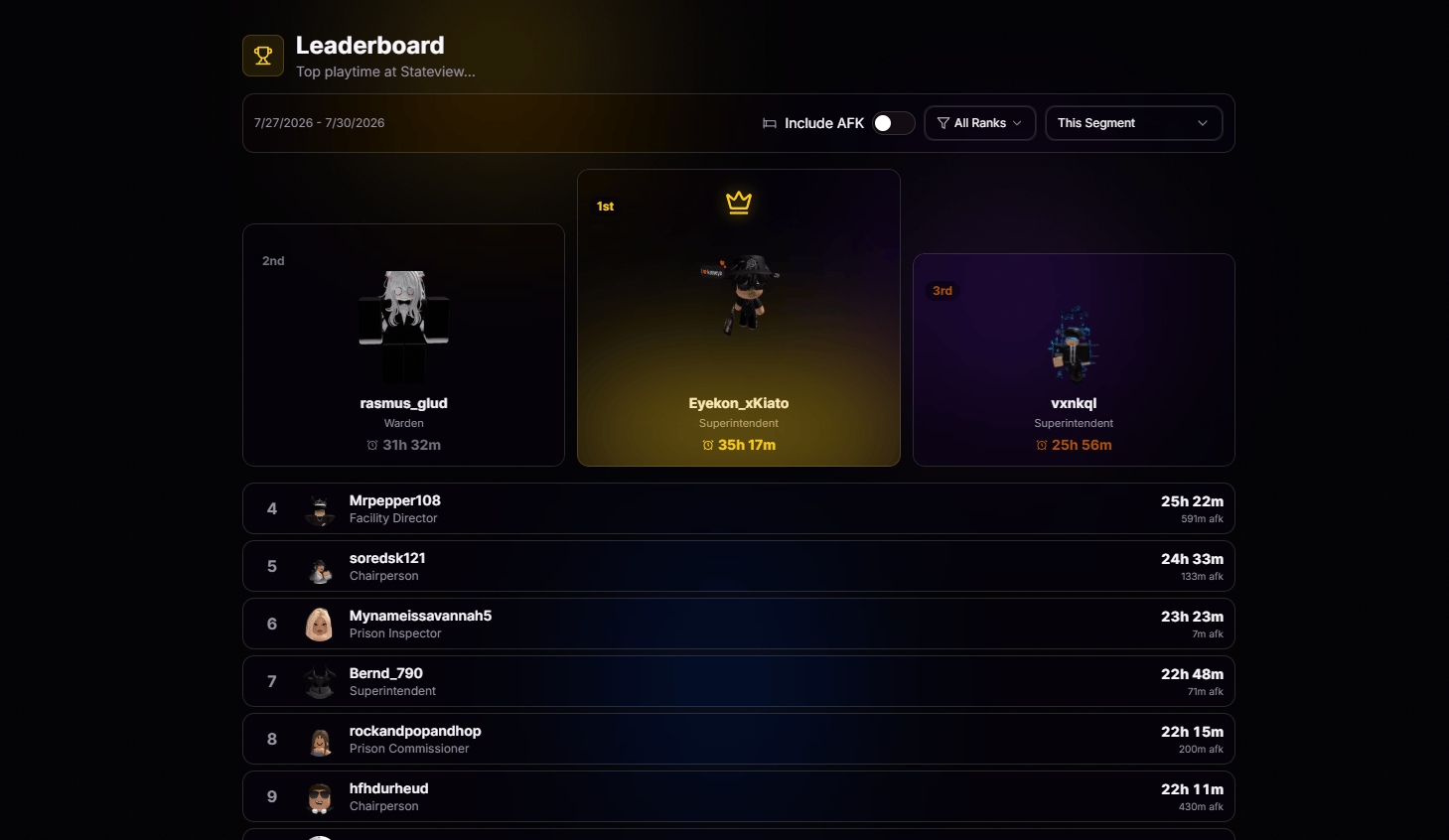 Focus on a single rank to compare activity among members at the same level.
This week, this month, or the last three months. Choose your time period and compare activity over time.
Include or exclude AFK minutes for a truer picture of active playtime.
Every row is a live link. Tap any member to jump into their full activity history.
Focus on a single rank to compare activity among members at the same level.
This week, this month, or the last three months. Choose your time period and compare activity over time.
Include or exclude AFK minutes for a truer picture of active playtime.
Every row is a live link. Tap any member to jump into their full activity history.