> ## Documentation Index
> Fetch the complete documentation index at: https://docs.bloxcord.net/llms.txt
> Use this file to discover all available pages before exploring further.
# Linking Your Account
> Sign in to BloxCord by securely connecting your Discord and Roblox accounts. Once linked, you'll have access to your organizations, profile, and everything BloxCord has to offer.
## Step 1: Go to the BloxCord app
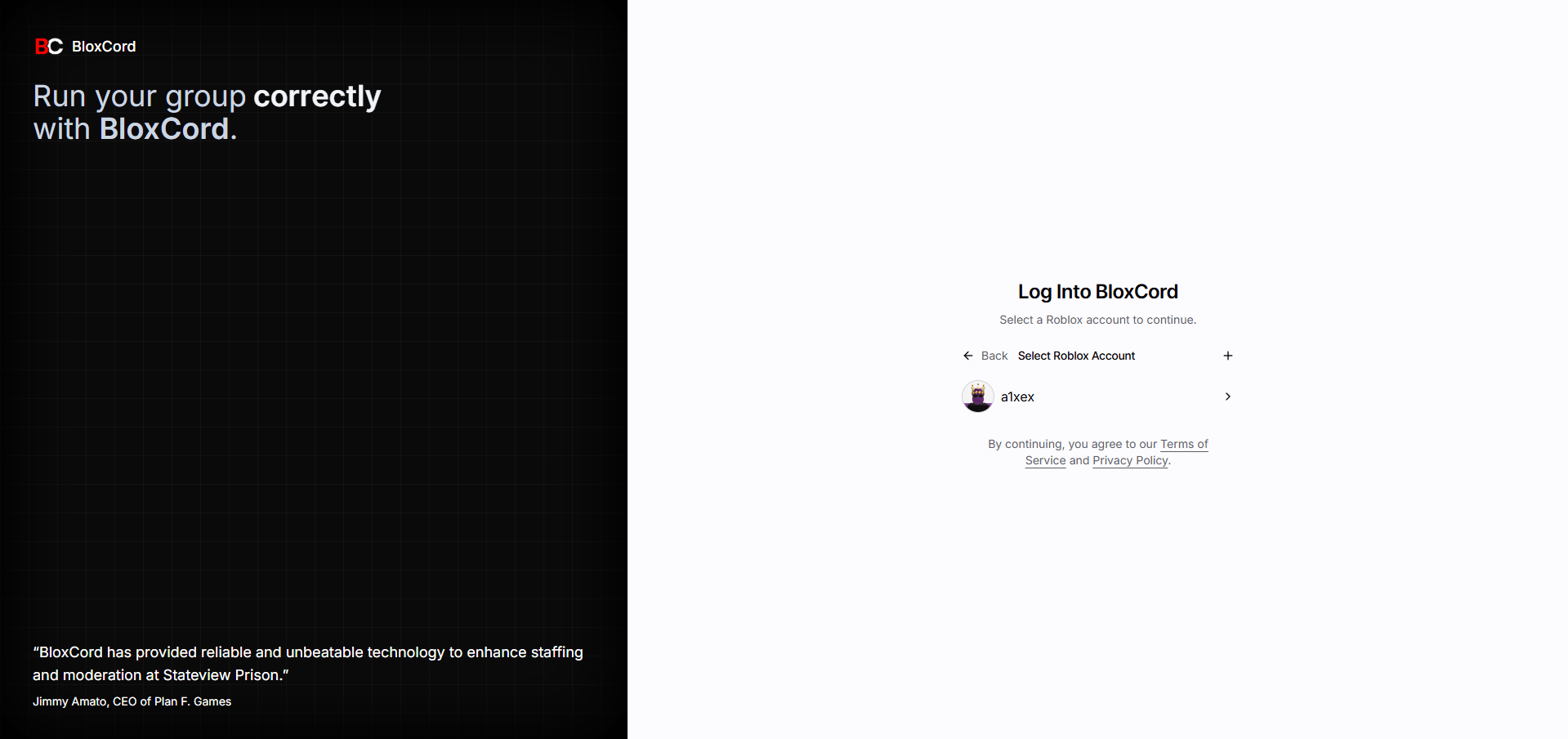
Head to [app.bloxcord.net](https://app.bloxcord.net/) in your browser. You'll be greeted by the login screen.
 ## Step 2: Link your account
If you don't have an account linked yet, click **Link** or the **+** button on the login screen. This starts the OAuth2 flow.
Sign in to Discord and authorize BloxCord to access your account. This is how we identify you across servers.
Next, sign in to Roblox and authorize BloxCord. This links your Roblox identity to your Discord account.
If you have multiple Roblox accounts linked, pick the one you want to use.
You can link multiple Roblox accounts to a single Discord account and switch between them any time from the login screen.
## Step 3: Access your organizations
Once linked, you'll be taken to the **Organizations** screen. Here you'll see every organization you own or belong to, ready to manage.
You're all set. Head into an organization to start using BloxCord.
## Troubleshooting
Make sure the Roblox account you linked is a member of the group tied to that organization. You can add another Roblox account from the login screen using the **+** button.
Disable browser extensions that block third-party cookies or popups, then try again. If the issue persists, reach out in our Discord.
## Step 2: Link your account
If you don't have an account linked yet, click **Link** or the **+** button on the login screen. This starts the OAuth2 flow.
Sign in to Discord and authorize BloxCord to access your account. This is how we identify you across servers.
Next, sign in to Roblox and authorize BloxCord. This links your Roblox identity to your Discord account.
If you have multiple Roblox accounts linked, pick the one you want to use.
You can link multiple Roblox accounts to a single Discord account and switch between them any time from the login screen.
## Step 3: Access your organizations
Once linked, you'll be taken to the **Organizations** screen. Here you'll see every organization you own or belong to, ready to manage.
You're all set. Head into an organization to start using BloxCord.
## Troubleshooting
Make sure the Roblox account you linked is a member of the group tied to that organization. You can add another Roblox account from the login screen using the **+** button.
Disable browser extensions that block third-party cookies or popups, then try again. If the issue persists, reach out in our Discord.