> ## Documentation Index
> Fetch the complete documentation index at: https://docs.bloxcord.net/llms.txt
> Use this file to discover all available pages before exploring further.
# Live Tables
> Why go in-game to make simple changes? Live Tables let you grant, revoke, and manage game data directly from your BloxCord dashboard.
Live Tables must be enabled before shared tables can be viewed or managed. Visit the Features tab to get started.
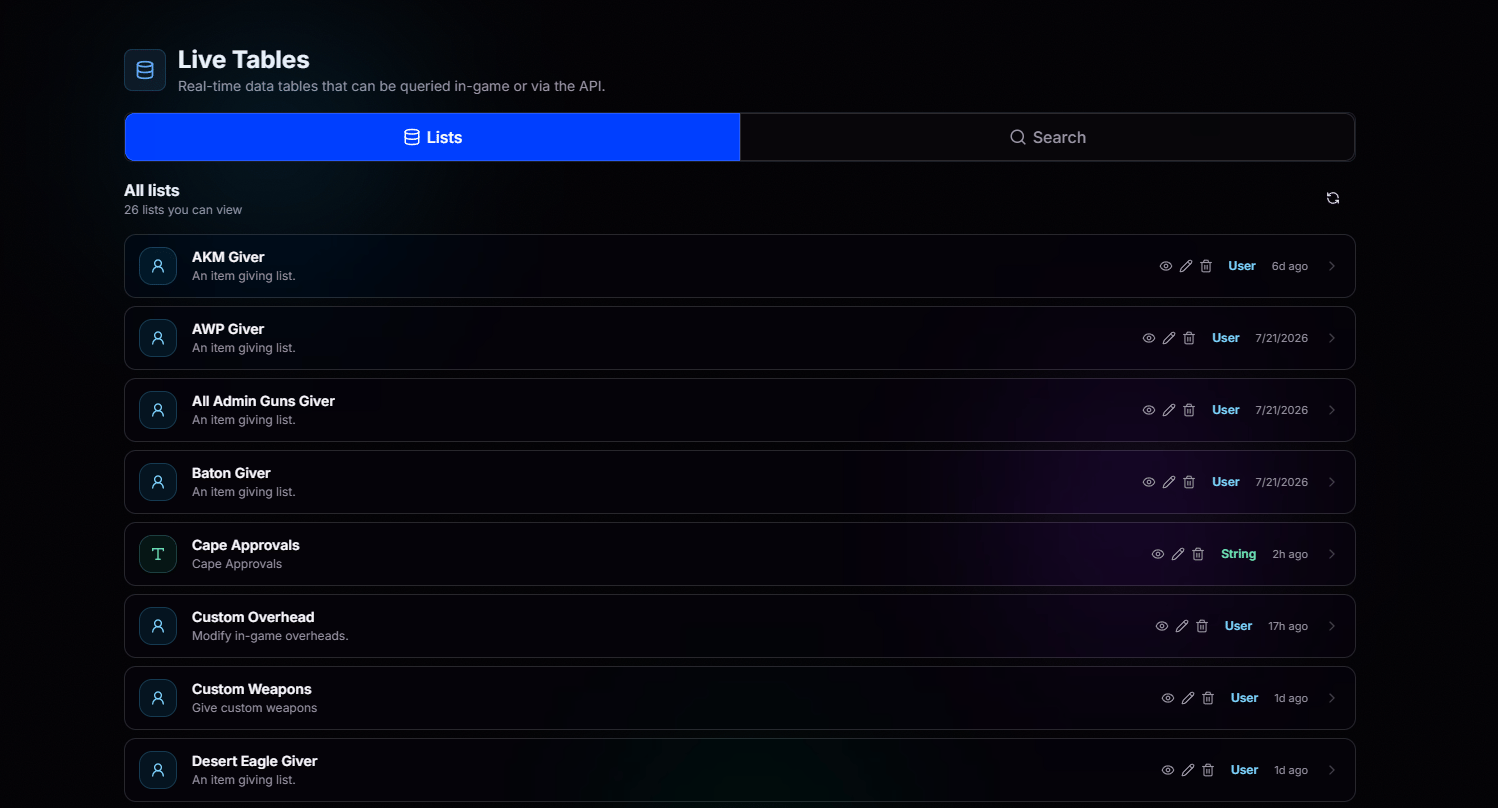 Organize your lists however you want, item givers, permission grants, custom overheads, you name it.
Control exactly who can view, edit, or manage each list. Different lists, different access levels.
See who added, edited, or removed every single entry. Complete accountability, always.
## Set Expiry Dates on Anything
Temporary permissions? Trial weapons? Time-limited access? Just set an expiration date and let BloxCord handle the rest. When time runs out, the entry is automatically removed.
## Flexible Data Types
Everything starts with a key. Whether you're storing users, strings, numbers, or something custom, Live Tables adapt to your data.
Organize your lists however you want, item givers, permission grants, custom overheads, you name it.
Control exactly who can view, edit, or manage each list. Different lists, different access levels.
See who added, edited, or removed every single entry. Complete accountability, always.
## Set Expiry Dates on Anything
Temporary permissions? Trial weapons? Time-limited access? Just set an expiration date and let BloxCord handle the rest. When time runs out, the entry is automatically removed.
## Flexible Data Types
Everything starts with a key. Whether you're storing users, strings, numbers, or something custom, Live Tables adapt to your data.