> ## Documentation Index
> Fetch the complete documentation index at: https://docs.bloxcord.net/llms.txt
> Use this file to discover all available pages before exploring further.
# Search Page
> Find any player in seconds. Search by Roblox username, Roblox ID, or Discord ID, view who you've played with, and review previous users in your sessions with a single click.
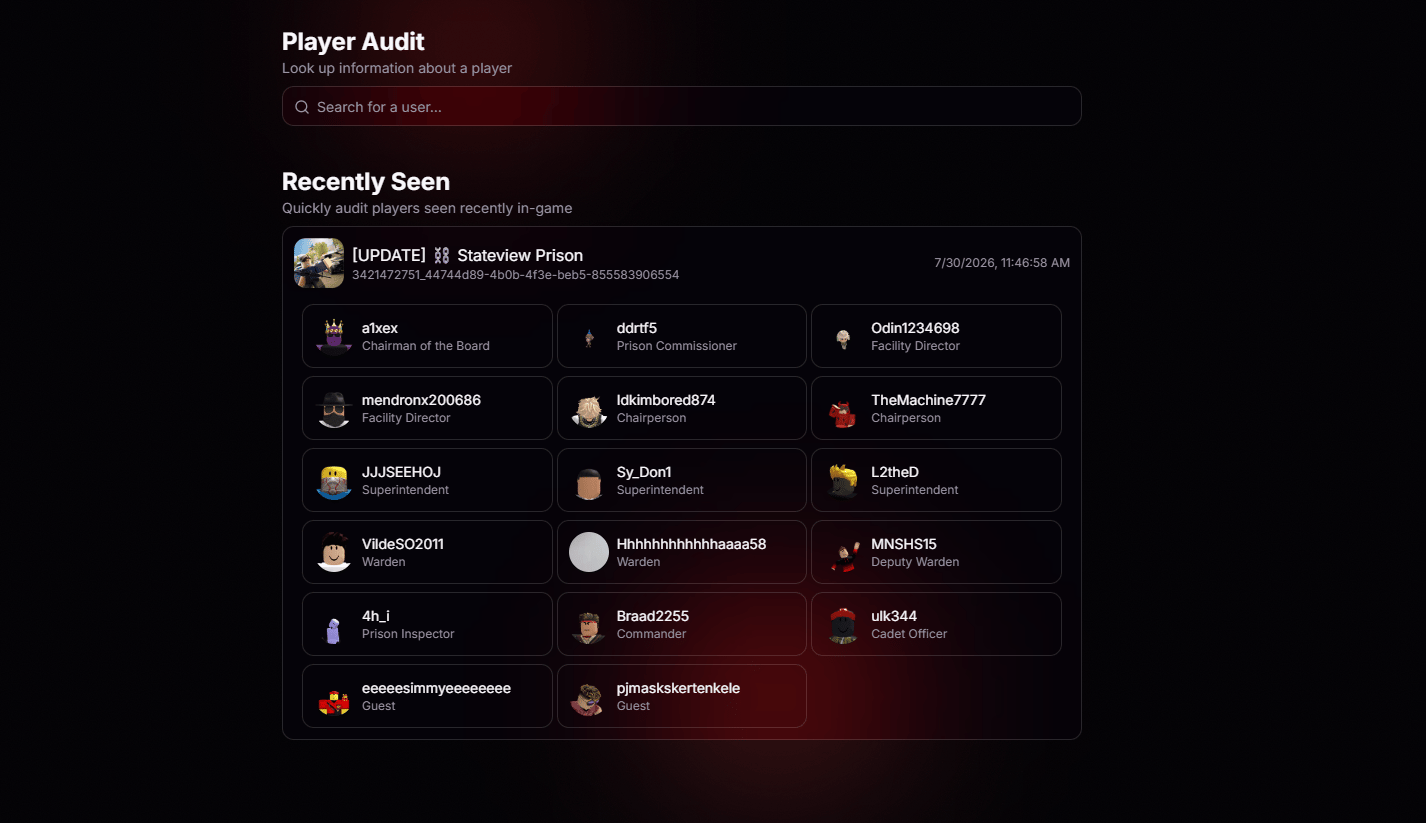 Your latest session and everyone next to you in it. Forgot that one username? We remember it for you.
Full session info and server ID on every recent entry, ready to hand straight to **BloxCord Replay**.
Roblox username, Roblox ID, or Discord ID. Throw anything at the search bar and we'll find the right player.
## Pick Up Where You Left Off
Every recent session shows who you played with, when it happened, and the server it took place in. If you need a closer look, open the session in **BloxCord Replay** using the server ID and review exactly what happened.
## Find Anyone, Any Way
No matter what information you start with, Player Audit helps you track down the right player. Search by Roblox username, Roblox ID, or Discord ID in one place.
Your latest session and everyone next to you in it. Forgot that one username? We remember it for you.
Full session info and server ID on every recent entry, ready to hand straight to **BloxCord Replay**.
Roblox username, Roblox ID, or Discord ID. Throw anything at the search bar and we'll find the right player.
## Pick Up Where You Left Off
Every recent session shows who you played with, when it happened, and the server it took place in. If you need a closer look, open the session in **BloxCord Replay** using the server ID and review exactly what happened.
## Find Anyone, Any Way
No matter what information you start with, Player Audit helps you track down the right player. Search by Roblox username, Roblox ID, or Discord ID in one place.