> ## Documentation Index
> Fetch the complete documentation index at: https://docs.bloxcord.net/llms.txt
> Use this file to discover all available pages before exploring further.
# Reputations
> See who's earned the strongest reputation across your organization. Compare all-time standings or use the segment filter to view reputation changes over different time periods.
Reputations must be enabled before reputations can be be viewed or managed. Visit the Features tab to get started.
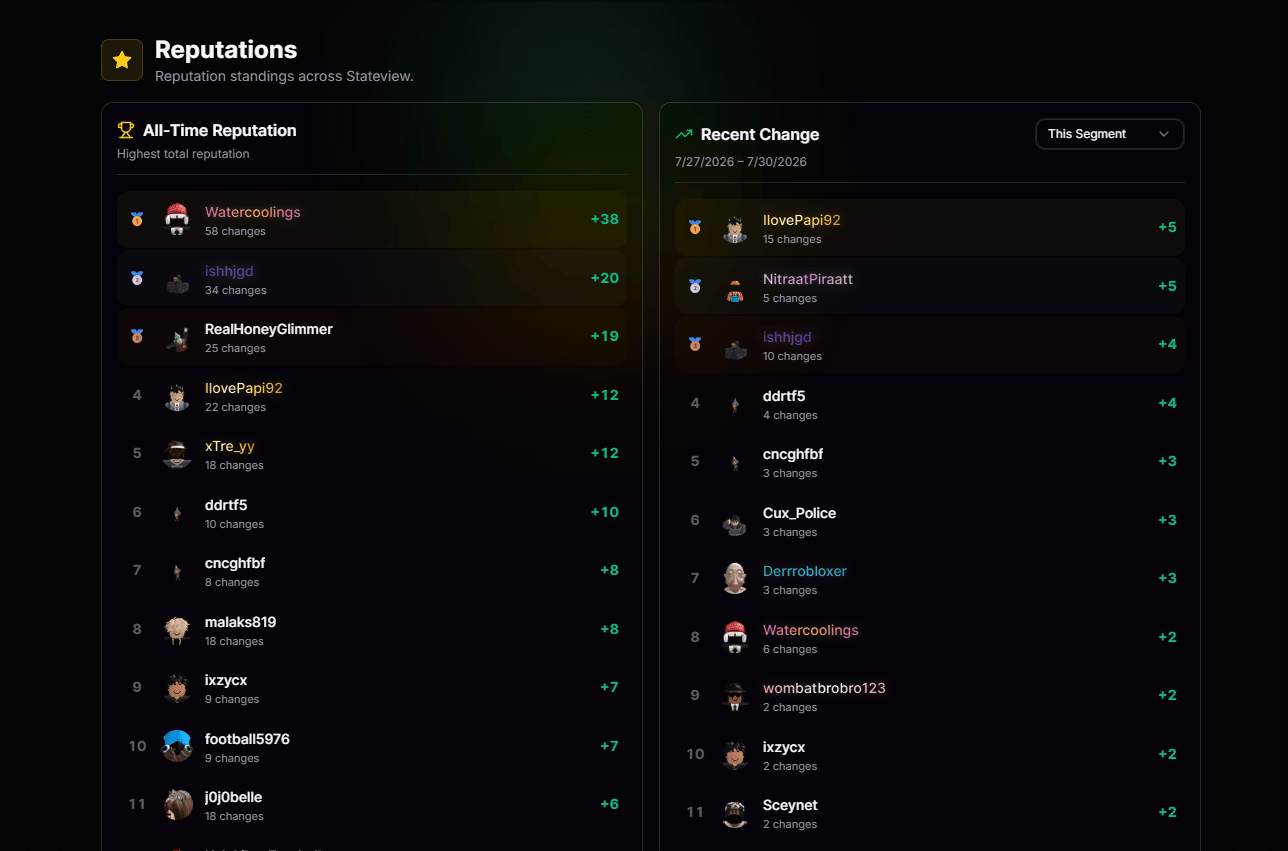 Track recent reputation changes across your organization to see who's gaining or losing reputation.
View every member's reputation across their entire time in the organization, not only recent changes.
## Modify from a Profile
Reputations are managed from member profiles, not the Reputations page, ensuring every rating is tied to the right context. To leave or update a reputation, visit a member's profile. Learn more in the [Profiles](/profiles) documentation.
Track recent reputation changes across your organization to see who's gaining or losing reputation.
View every member's reputation across their entire time in the organization, not only recent changes.
## Modify from a Profile
Reputations are managed from member profiles, not the Reputations page, ensuring every rating is tied to the right context. To leave or update a reputation, visit a member's profile. Learn more in the [Profiles](/profiles) documentation.
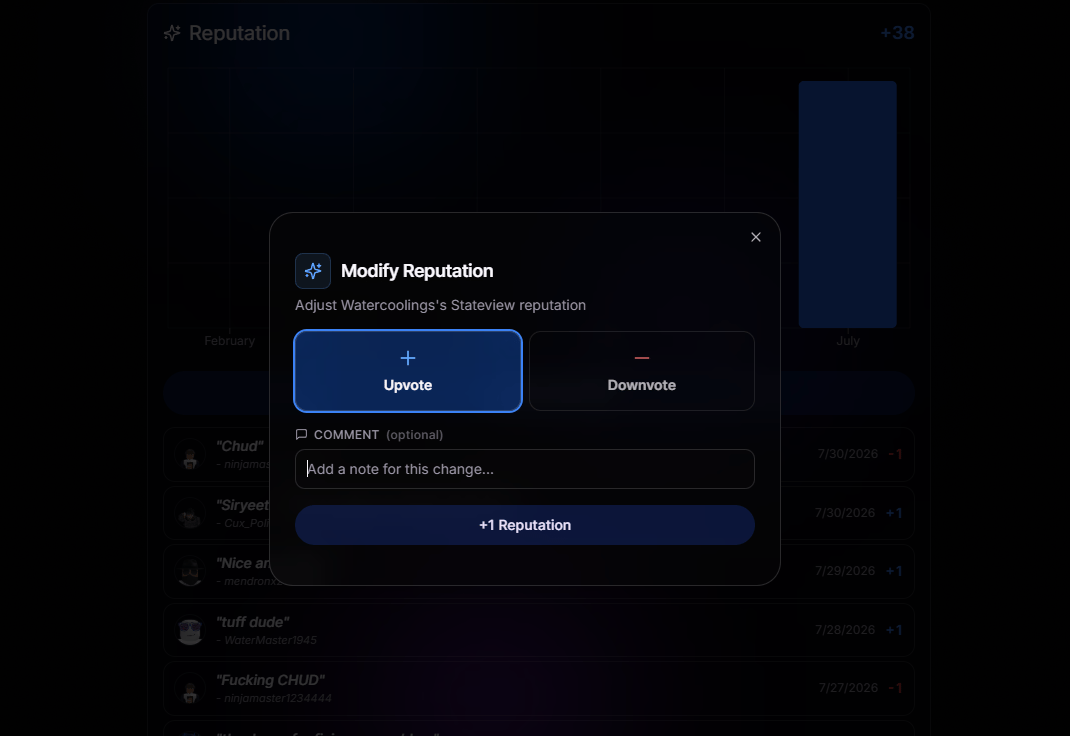 Upvote or downvote a member with a single click. No forms, no friction.
Add an optional note to explain why. A quick sentence turns a vote into real, useful feedback the member can actually learn from.
Upvote or downvote a member with a single click. No forms, no friction.
Add an optional note to explain why. A quick sentence turns a vote into real, useful feedback the member can actually learn from.