> ## Documentation Index
> Fetch the complete documentation index at: https://docs.bloxcord.net/llms.txt
> Use this file to discover all available pages before exploring further.
# Servers
> Why stop at Discord when your operations don't? Take control of your game servers, monitor live activity, and run scripts, all without leaving BloxCord.
Gameservers must be enabled before live game server data can be viewed or managed. Visit the Features tab to get started.
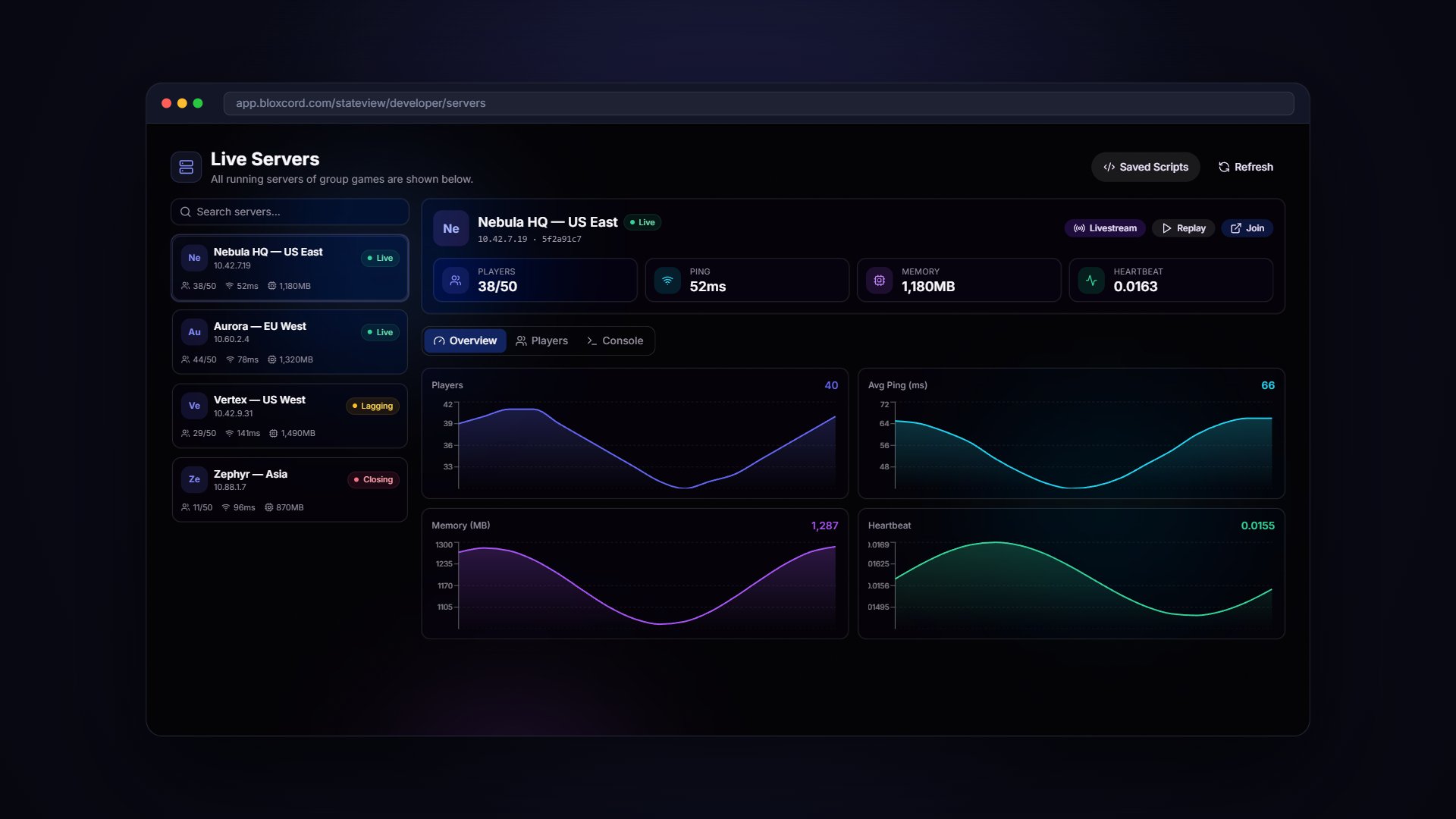 Every running server for your group games, always up to date, always one click away.
Dive into any server to see who's in game, current activity, and everything happening inside.
Real-time logs from inside your servers so you always know what's happening the moment it happens.
Find the exact server you need in seconds, no matter how many are running.
## Execute Scripts on the Fly
Need something done in-game right now? Execute scripts directly from your BloxCord dashboard and see the results instantly. No developer tools or in-game commands required.
Execute custom scripts on any running server with a single click.
Save the scripts you use often and fire them off in seconds. No more digging through notes or retyping the same code.
Every running server for your group games, always up to date, always one click away.
Dive into any server to see who's in game, current activity, and everything happening inside.
Real-time logs from inside your servers so you always know what's happening the moment it happens.
Find the exact server you need in seconds, no matter how many are running.
## Execute Scripts on the Fly
Need something done in-game right now? Execute scripts directly from your BloxCord dashboard and see the results instantly. No developer tools or in-game commands required.
Execute custom scripts on any running server with a single click.
Save the scripts you use often and fire them off in seconds. No more digging through notes or retyping the same code.