> ## Documentation Index
> Fetch the complete documentation index at: https://docs.bloxcord.net/llms.txt
> Use this file to discover all available pages before exploring further.
# Cooldowns
> Set how long members must wait between promotions for each Roblox rank. When Promotion Cooldowns are enabled, you can configure a cooldown in days for every rank, choose how it's calculated, and let BloxCord enforce it automatically.
Promotion Cooldowns must be enabled before this tab can be displayed. Visit the Features tab to get started.
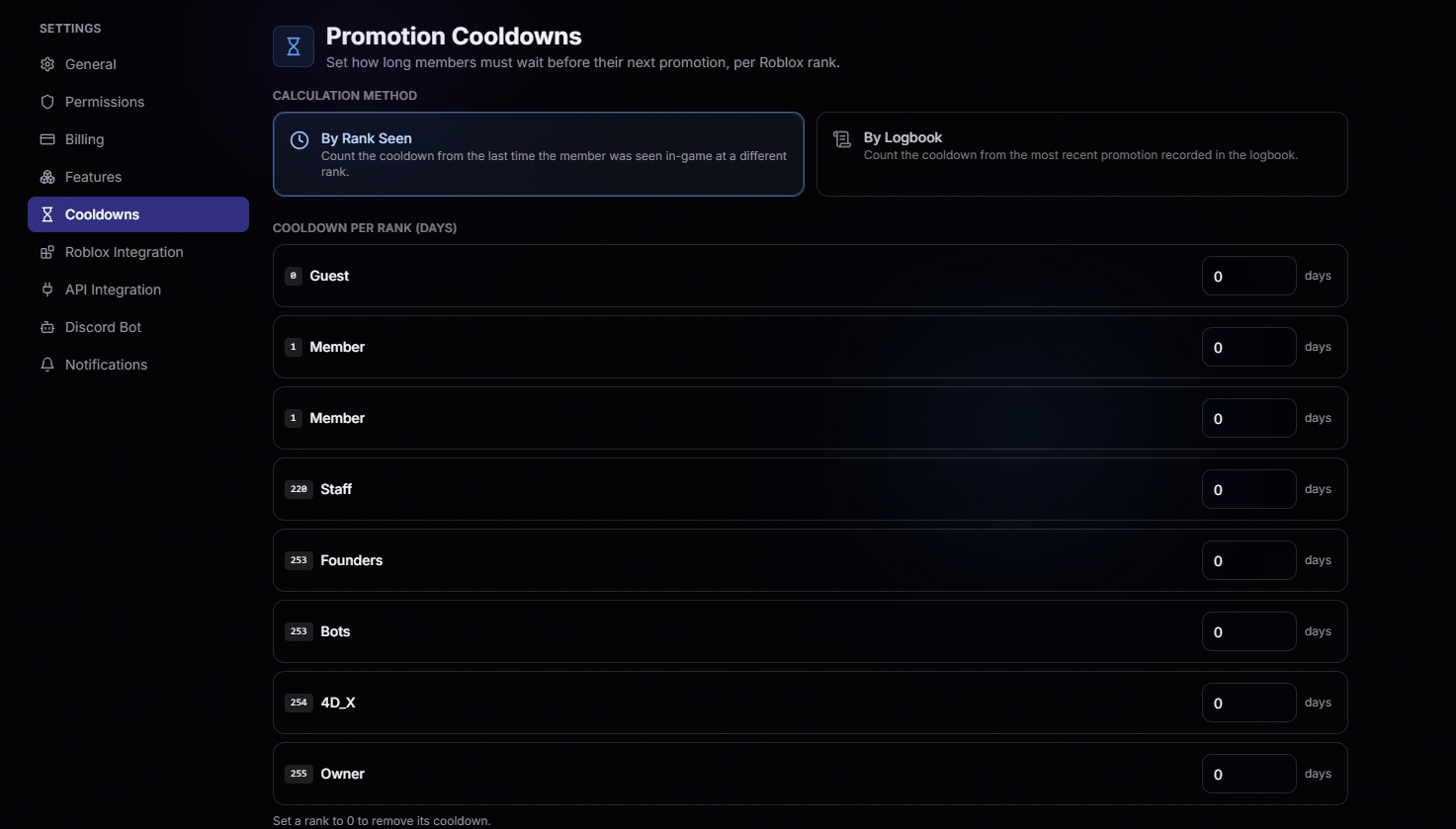 Counts the cooldown from the last time the member was seen in-game at a different rank.
Counts the cooldown from the most recent promotion recorded in the logbook.
Set a rank to `0` to remove its cooldown entirely.
Counts the cooldown from the last time the member was seen in-game at a different rank.
Counts the cooldown from the most recent promotion recorded in the logbook.
Set a rank to `0` to remove its cooldown entirely.