> ## Documentation Index
> Fetch the complete documentation index at: https://docs.bloxcord.net/llms.txt
> Use this file to discover all available pages before exploring further.
# Notifications
> Choose exactly which events send direct messages to your members. Enable or disable individual notifications with a single toggle, giving you complete control over what BloxCord communicates, no code or setup required.
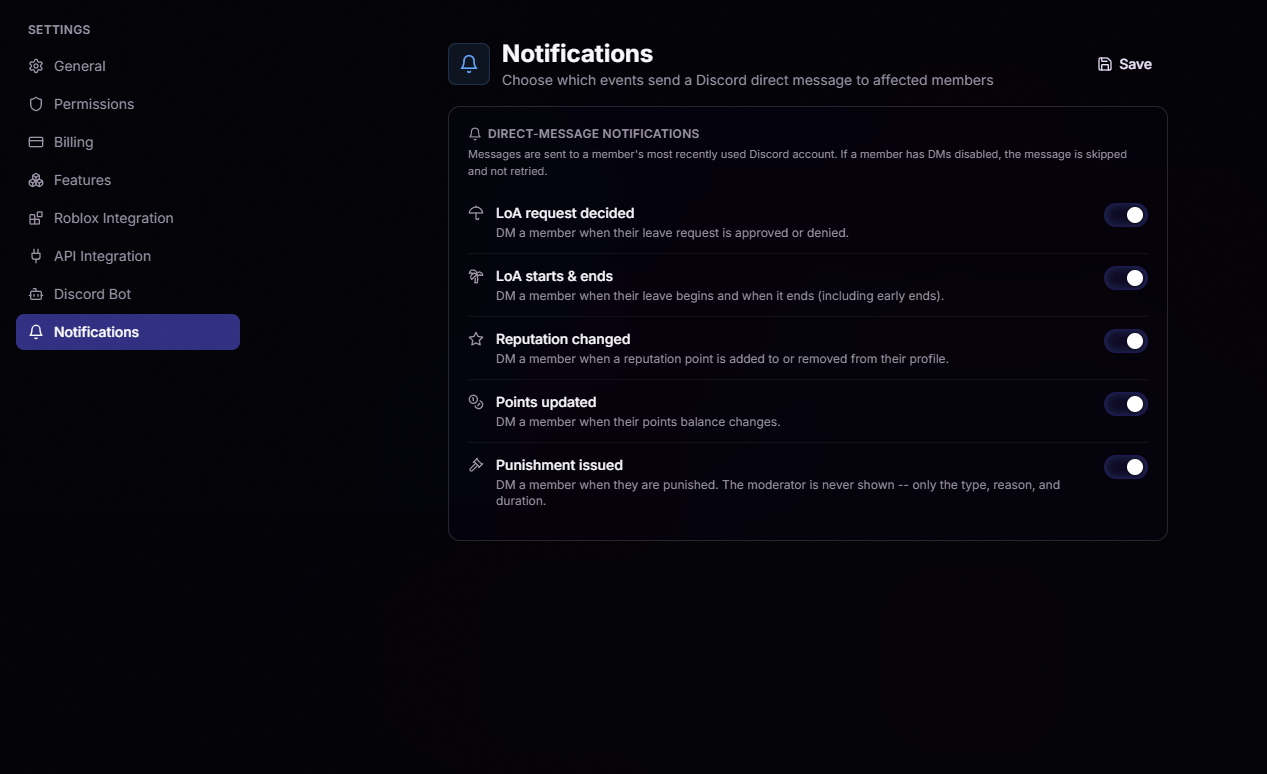 DMs a member when their leave request is approved or denied.
DMs a member when their leave begins and when it ends, including early ends.
DMs a member when a reputation point is added or removed from their profile.
DMs a member when their points balance changes.
DMs a member when they're punished. The moderator is never shown, only the type, reason, and duration.
DMs a member when their leave request is approved or denied.
DMs a member when their leave begins and when it ends, including early ends.
DMs a member when a reputation point is added or removed from their profile.
DMs a member when their points balance changes.
DMs a member when they're punished. The moderator is never shown, only the type, reason, and duration.