> ## Documentation Index
> Fetch the complete documentation index at: https://docs.bloxcord.net/llms.txt
> Use this file to discover all available pages before exploring further.
# Your Activity
> See everything you've been up to in one place. Track recent sessions, game activity, and your progress over time.
Gameservers must be configured before activity can be tracked and displayed. Visit the Features tab to get started.
## Overview
Open the page and you're greeted with a full snapshot of your recent activity. Totals for playtime, sessions, and other key metrics pulled straight from your recent sessions, so you always know where you stand.
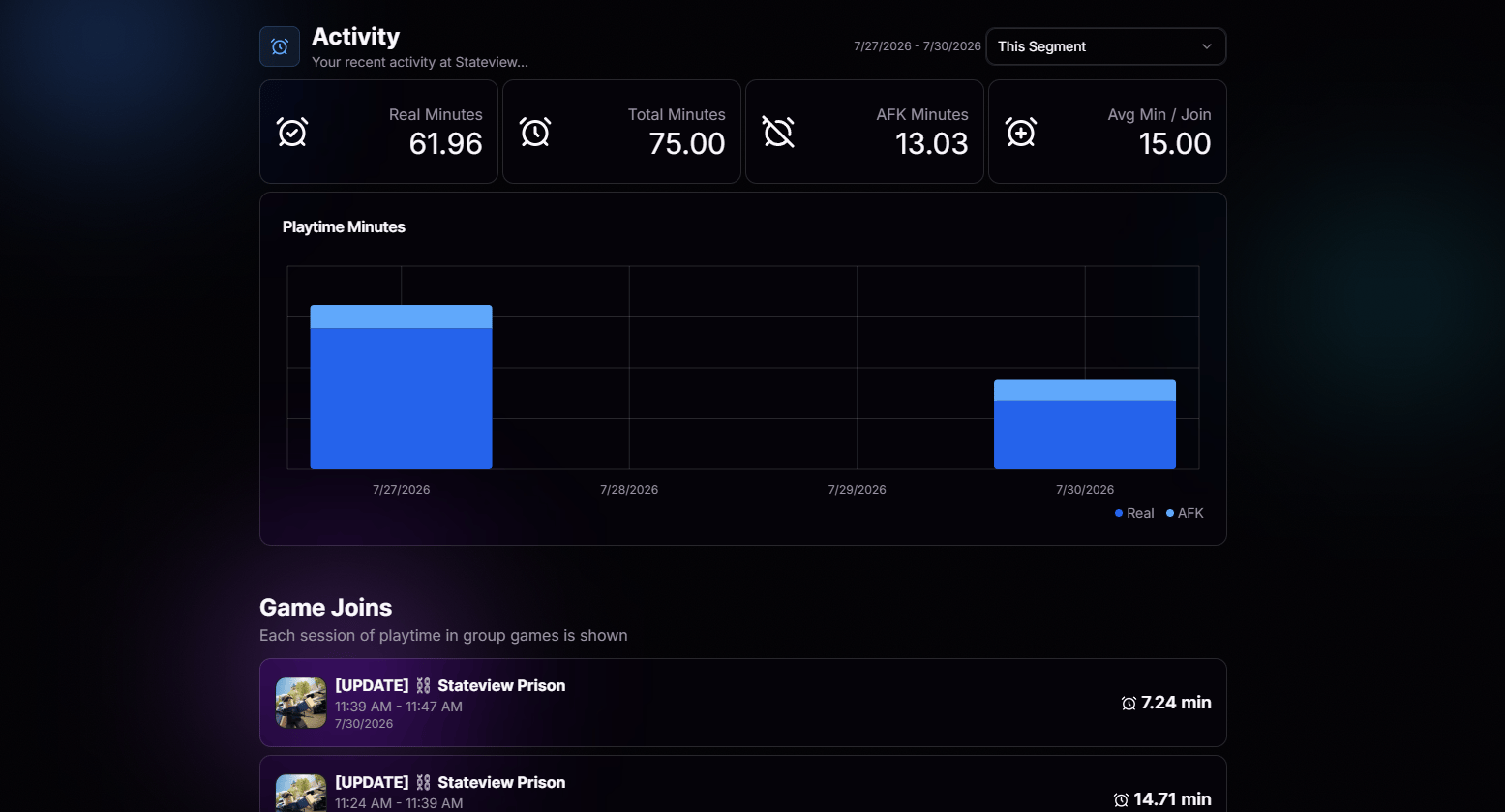 Playtime, session counts, and activity metrics that refresh as you play.
See how this week compares to last, so you can track your consistency over time.
Know at a glance whether you're on track for your requirements or falling behind on minutes.
Numbers are pulled directly from your in-game sessions. No manual logging required.
## Game Joins
Scroll down and the story keeps going. A detailed log of every game join and session, so you can retrace your steps whenever you need to.
Playtime, session counts, and activity metrics that refresh as you play.
See how this week compares to last, so you can track your consistency over time.
Know at a glance whether you're on track for your requirements or falling behind on minutes.
Numbers are pulled directly from your in-game sessions. No manual logging required.
## Game Joins
Scroll down and the story keeps going. A detailed log of every game join and session, so you can retrace your steps whenever you need to.
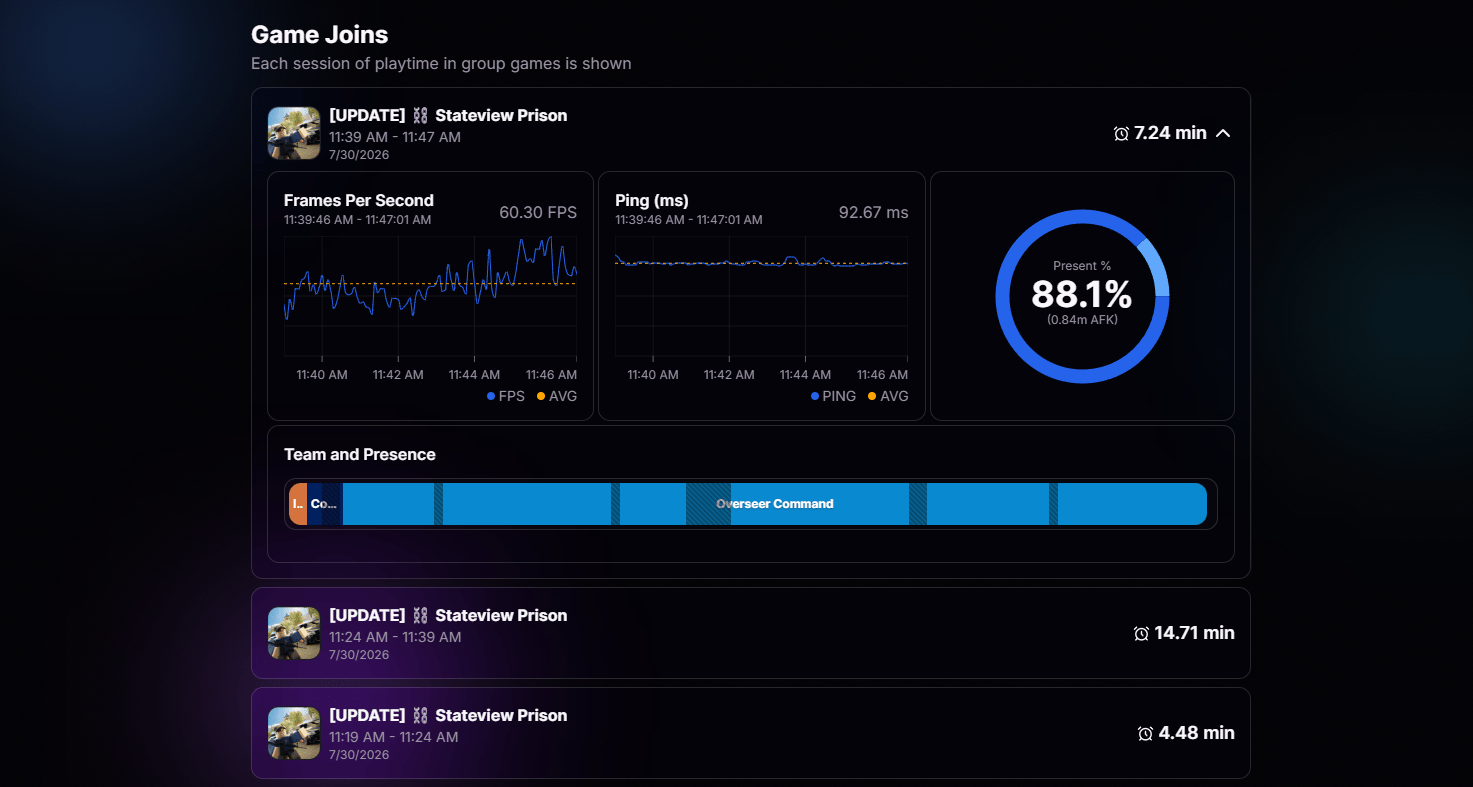 Each entry shows when you joined, how long you stayed, and which server you were on. Perfect for verifying your own hours, reviewing what you got up to during your last shift, or catching any discrepancies before someone else does.
Every join is timestamped and logged, so you have a complete play history.
See which server each session took place in, useful for cross-referencing events.
Each entry shows when you joined, how long you stayed, and which server you were on. Perfect for verifying your own hours, reviewing what you got up to during your last shift, or catching any discrepancies before someone else does.
Every join is timestamped and logged, so you have a complete play history.
See which server each session took place in, useful for cross-referencing events.