> ## Documentation Index
> Fetch the complete documentation index at: https://docs.bloxcord.net/llms.txt
> Use this file to discover all available pages before exploring further.
# Your Cooldown
> See your current promotion cooldown, review recent rank changes, and always know where you stand in your promotion cycle.
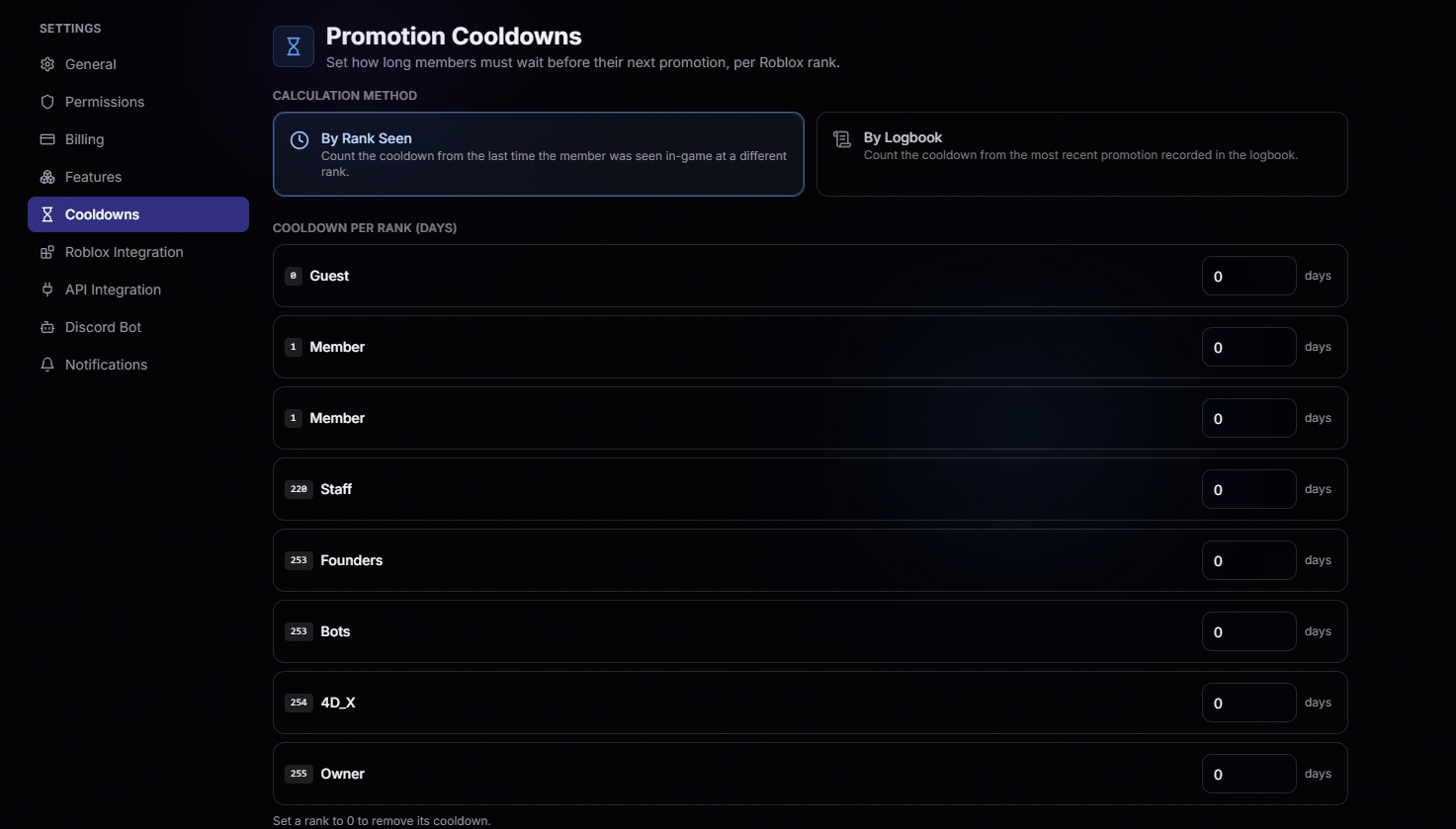
Promotion Cooldowns must be configured before cooldowns can be displayed. Visit the Features tab to get started.
## Are you on cooldown?
The moment the page loads, you'll see whether a promotion cooldown is currently active on your account.
 Your next eligible promotion date is always front and center, so you can plan ahead with confidence.
You're eligible for your next rank change. Time to earn it.
Cooldown lengths and rules are configured by your organization's leadership. What you see here reflects your group's current settings, so if the numbers feel off, that's the place to ask.
Your next eligible promotion date is always front and center, so you can plan ahead with confidence.
You're eligible for your next rank change. Time to earn it.
Cooldown lengths and rules are configured by your organization's leadership. What you see here reflects your group's current settings, so if the numbers feel off, that's the place to ask.