

Forms must be enabled before forms can be created, submitted, or managed. Visit the Features tab to get started.
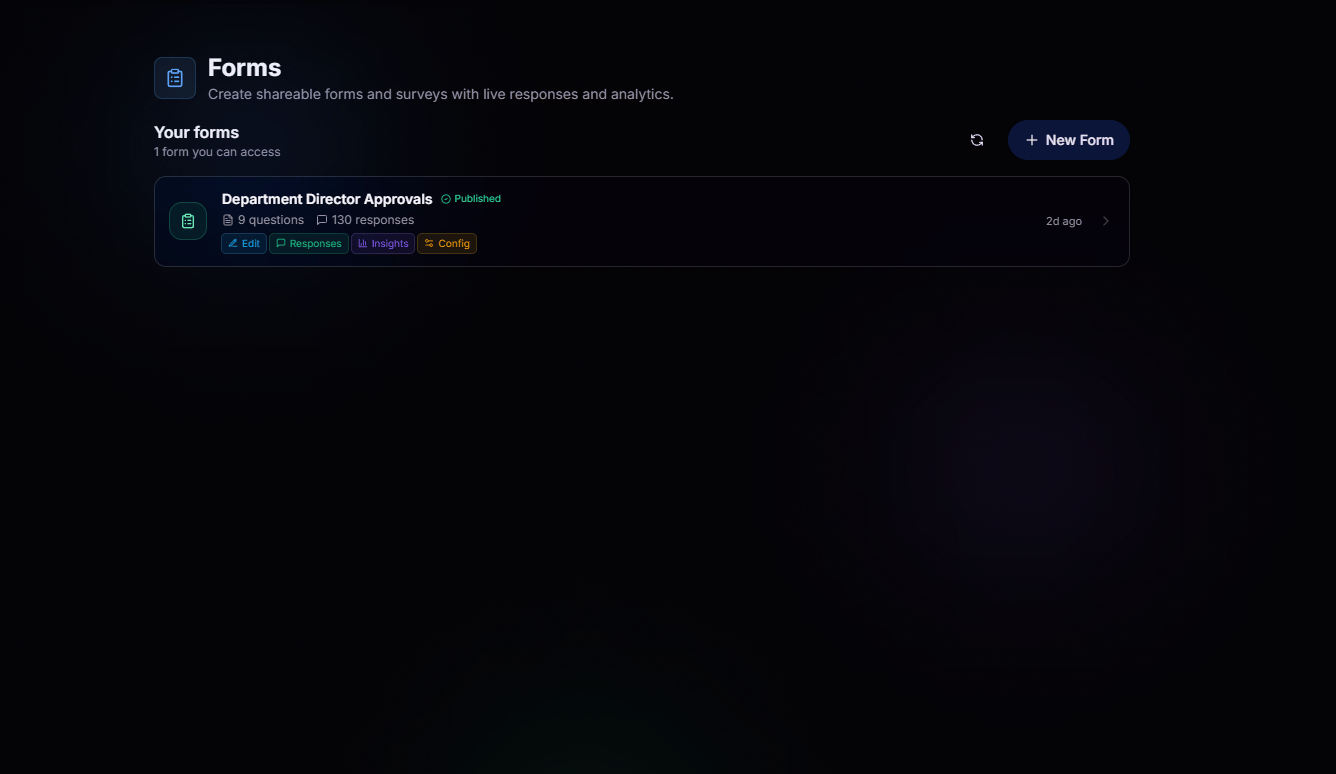
Build At Ease, See Responses At Ease
Build forms your way. Add multiple choice, checkboxes, text, linear scales, dropdowns, and more, then publish in seconds. Responses stream in with live summaries and per-question insights, no spreadsheets required.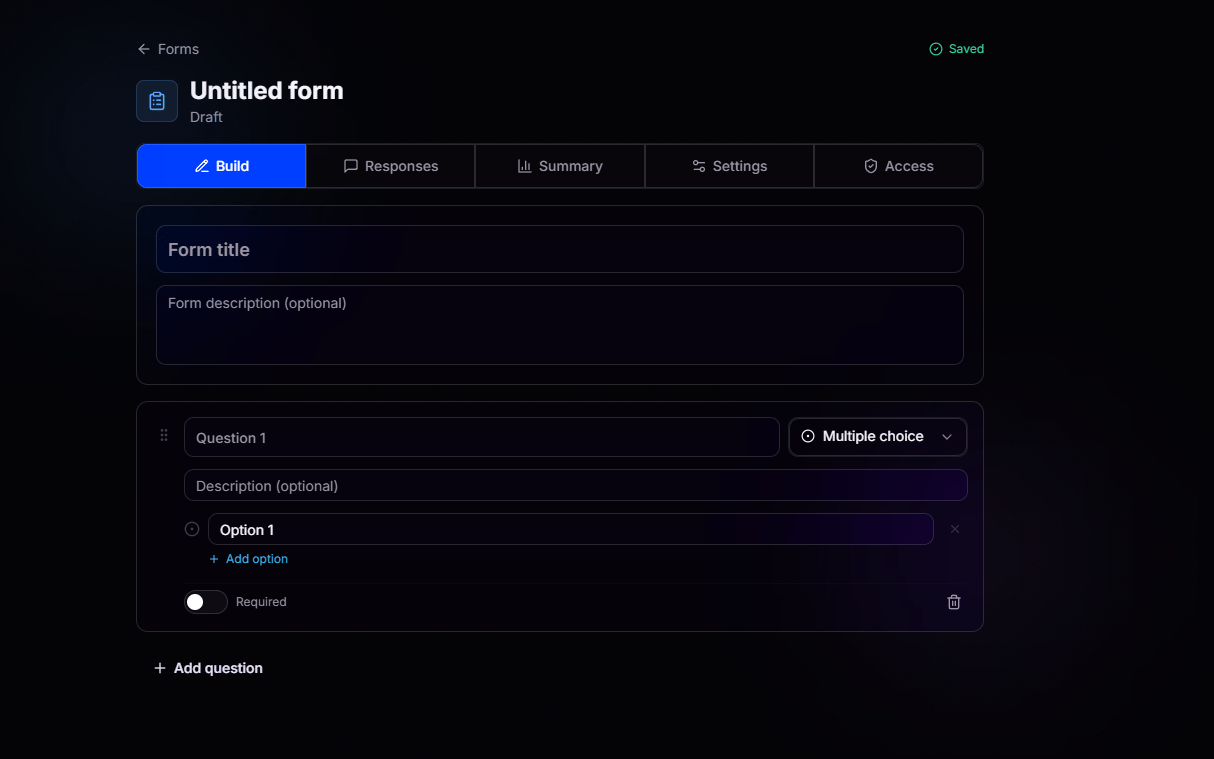
Build
Add questions, choose types, mark them required. Every change autosaves.
Responses
Review individual submissions and export when you need the raw data.
Summary
Live aggregate view of every question, updated as responses come in.
Settings
Publishing, quiz mode, respondent requirements, and analytics toggles.
Configure Every Detail
Tune each form to fit exactly how you want it to behave.Publishing
Toggle Published to open or close the form, flip Accepting responses to stop new submissions without unpublishing, and share the Public link with respondents.
Quiz mode
Auto-score submissions. Mark correct answers on choice questions and assign point values, then let responses grade themselves as they roll in.
Respondent requirements
Flip on Require login to force respondents to sign in with BloxCord before they can submit.
Analytics
Optionally collect respondent country and age group to enrich your results. Enable correlation insights to discover how different demographics and segments respond to each question.
Confirmation message
Customize what respondents see the moment they hit submit.
Delete form
Permanently delete the form and every response submitted to it. This one is final.
Permissions That Fit Your Workflow
Decide exactly who can view, respond to, edit, configure, or analyze each form. Grant permissions to individual members or roles, while form owners and organization form administrators always retain full access.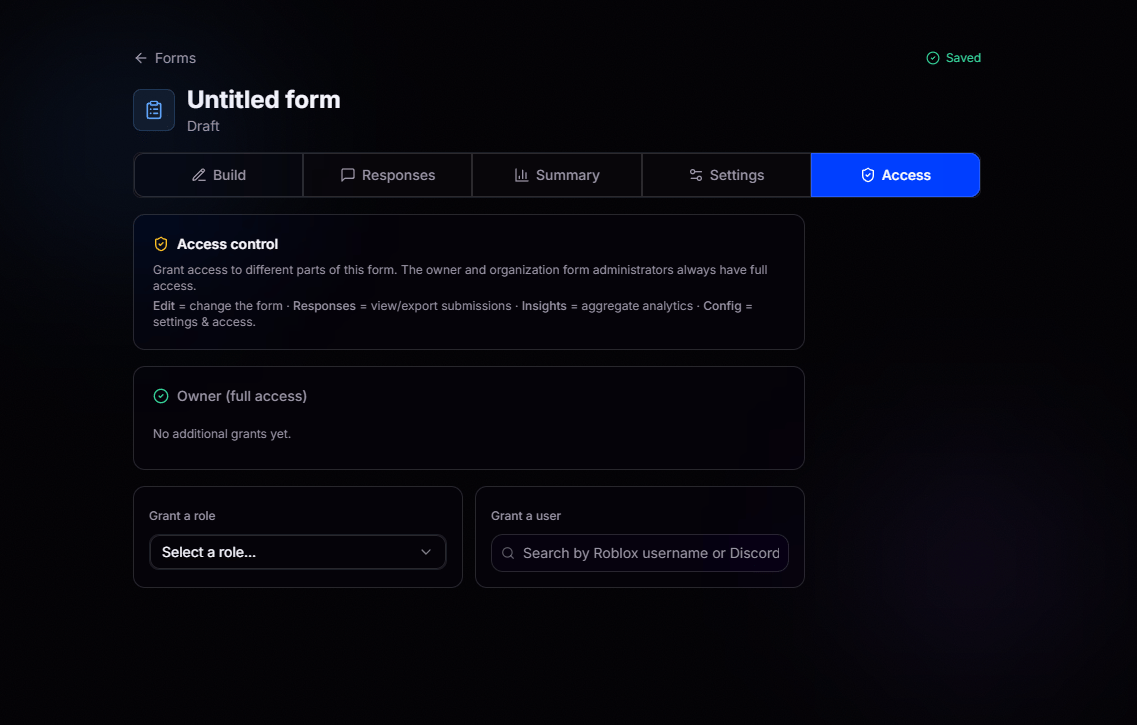
Edit
Change the form itself, questions, options, and structure.
Responses
View and export individual submissions.
Insights
See the aggregate analytics and summary.
Config
Manage settings and access grants.