

Handbooks must be enabled before handbooks can be created, viewed, or managed. Visit the Features tab to get started.
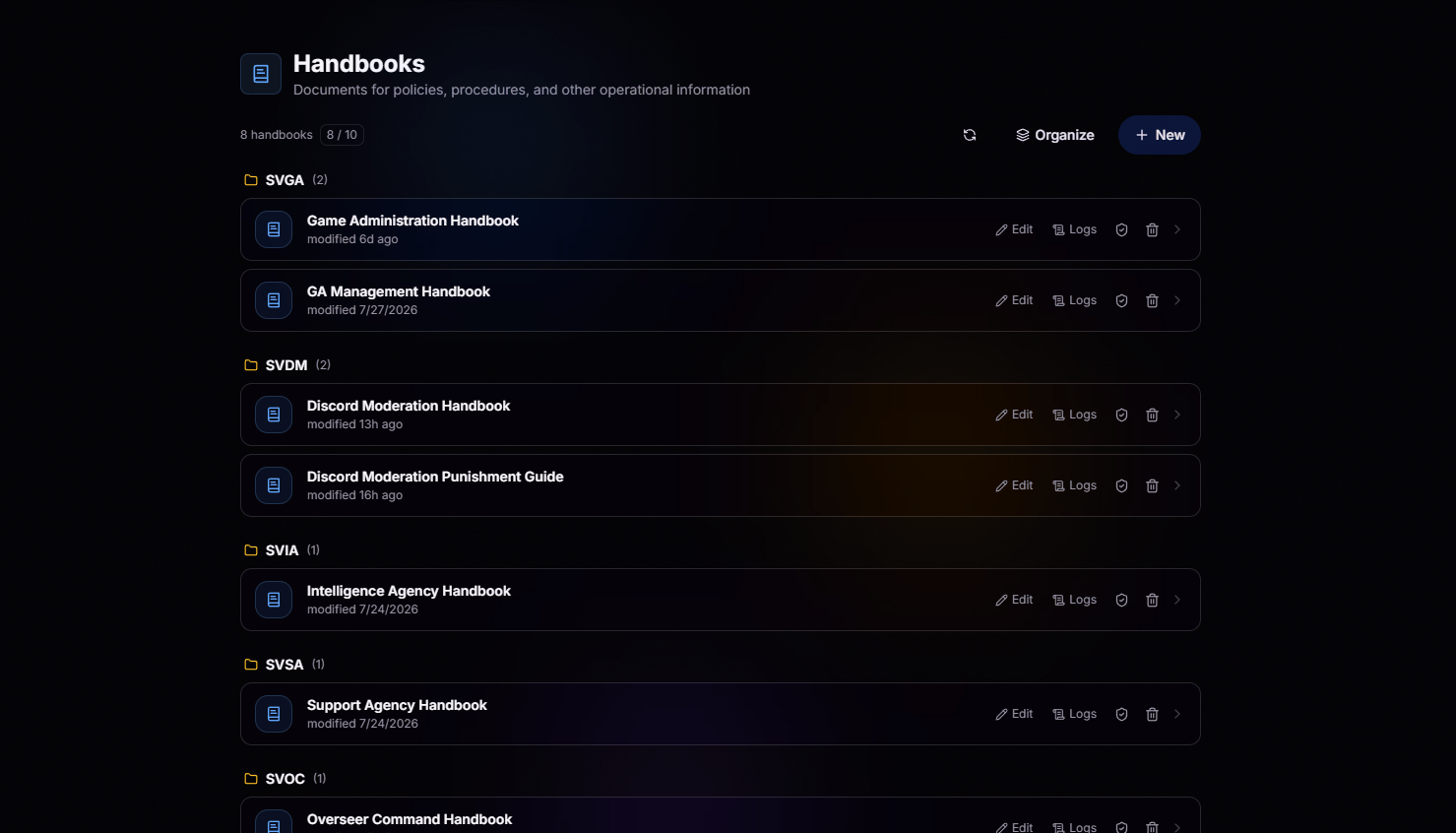
Locked Down by Default
Every handbook is locked to the people who are supposed to see it. Access is tied directly to your permission groups, so the right team members get in and everyone else stays out. No accidental leaks, no wondering who can read what.Granular Access
Restrict each handbook to specific groups or roles. If they don’t have access, they don’t even know it exists.
Grouping
Separate documents by category to keep information organized, accessible, and easy to manage.
Advanced Access Logs
Nothing happens without a trail. Every document open, view, and screenshot is automatically logged, giving administrators complete visibility into how sensitive documentation is accessed.Who Opened It
See exactly which user opened the document and when, right down to the timestamp.
How They Engaged
Track whether they actually inspected the page or just skimmed and closed it.
Screenshot Detection
BloxCord detects when a screenshot is taken on a protected handbook and logs the event.
Unique Session Fingerprints
Every time a document is viewed, BloxCord generates a unique fingerprint tied to that viewing session. If anything is leaked, administrators can easily trace it back to the exact user and specific viewing instance.
Built to Prevent Leaks
Sensitive documents deserve more than basic access controls. BloxCord includes built-in protections to help keep your handbooks and internal documentation where they belong.Invisible Watermarks
Invisible identifiers are embedded into every document view, allowing administrators to trace leaked screenshots back to the user who captured them.
Page Restrictions
Copying, text selection, and right-click actions are disabled to help protect sensitive documentation from casual sharing.