

Leave of Absence must be enabled before leave requests can be submitted, reviewed, or managed. Visit the Features tab to get started.
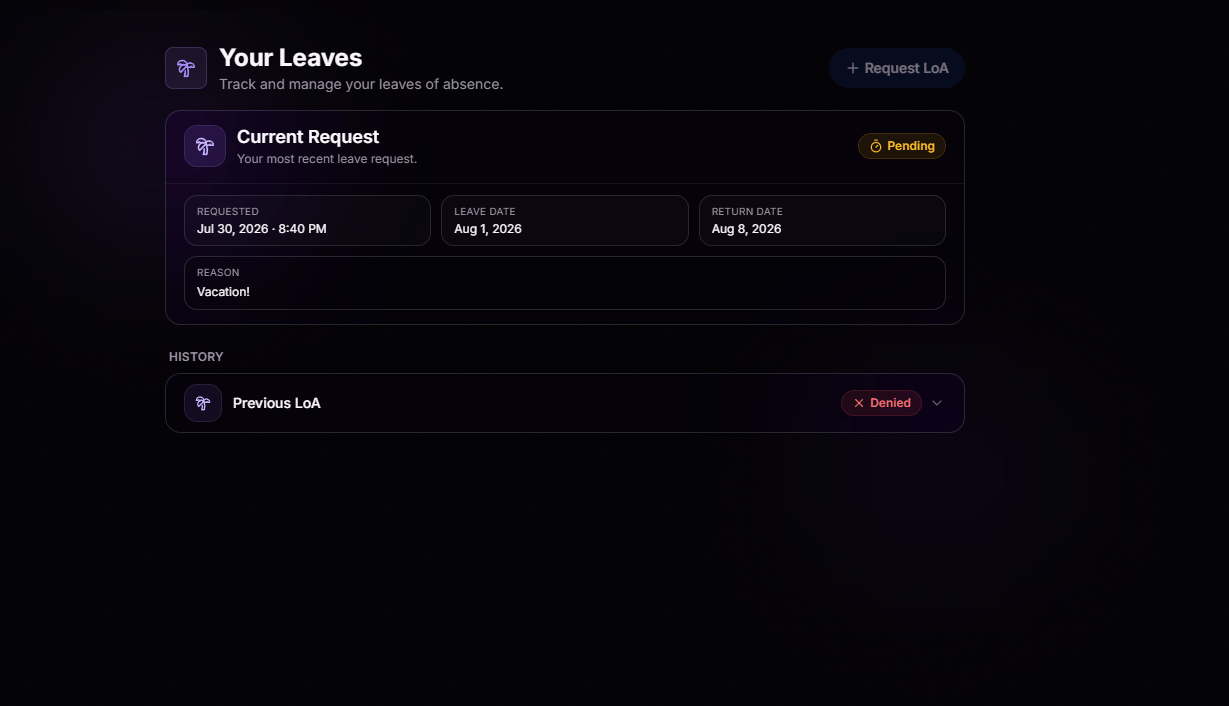
Submit a New Request
A clean, guided form with dates and a reason. That’s it.
Track Every Status
Pending, approved, denied, or active. Members always know exactly where they stand.
Active Leave at a Glance
See everyone currently on leave, who’s leaving soon, who’s recently returned, and get a real-time snapshot of staffing across your organization.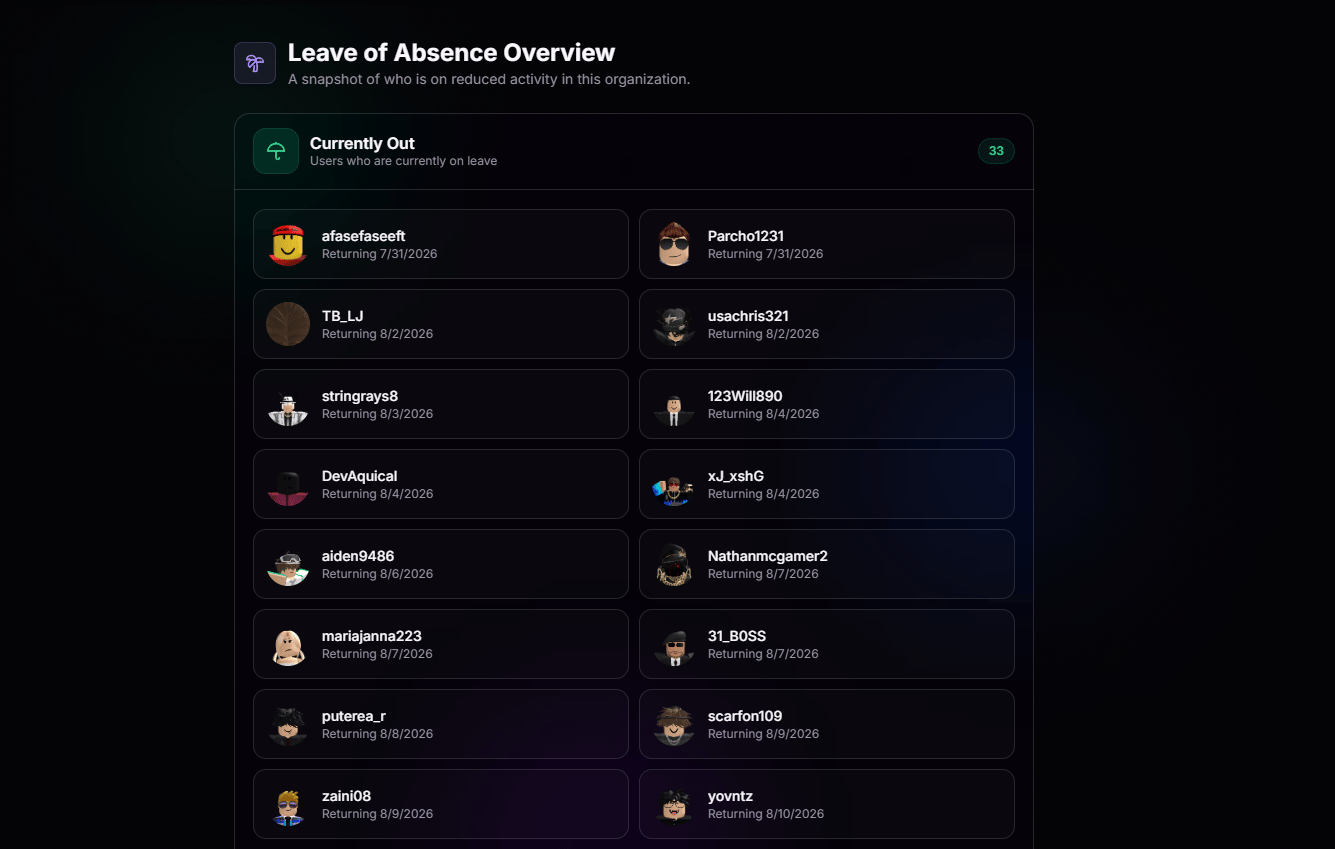
Manage Every Request in One Place
No more searching. Every leave request is automatically organized into one dashboard, making approvals and reviews fast and effortless.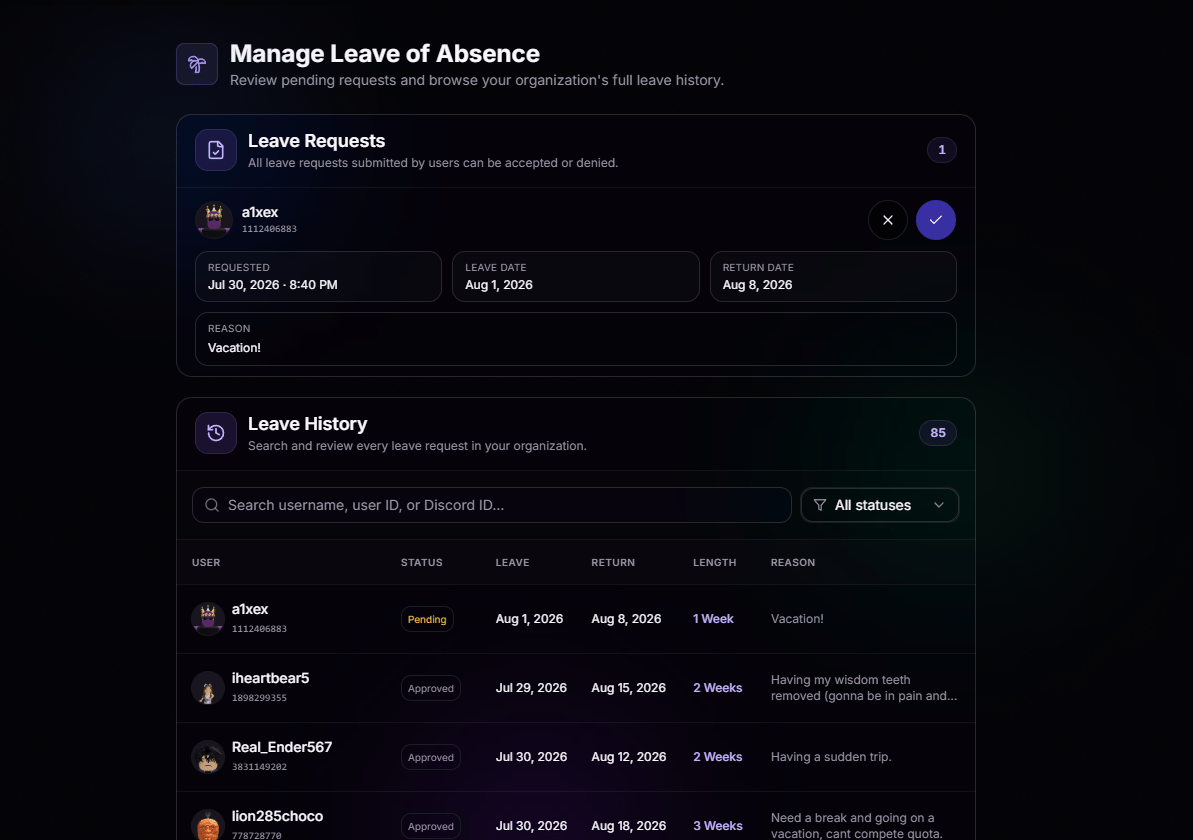
Approve or Deny Instantly
Review the reason, dates, and requester in one view. Make the call with a single click.
Full Request History
Every approved, denied, and expired leave stays on the record so you always know who was away and when.
Active Leave Tracking
See who is currently on leave at a glance, along with when they’re expected back.
Permission-Based Access
Only the roles you trust can review or decide on leave requests. Everyone else stays out.