

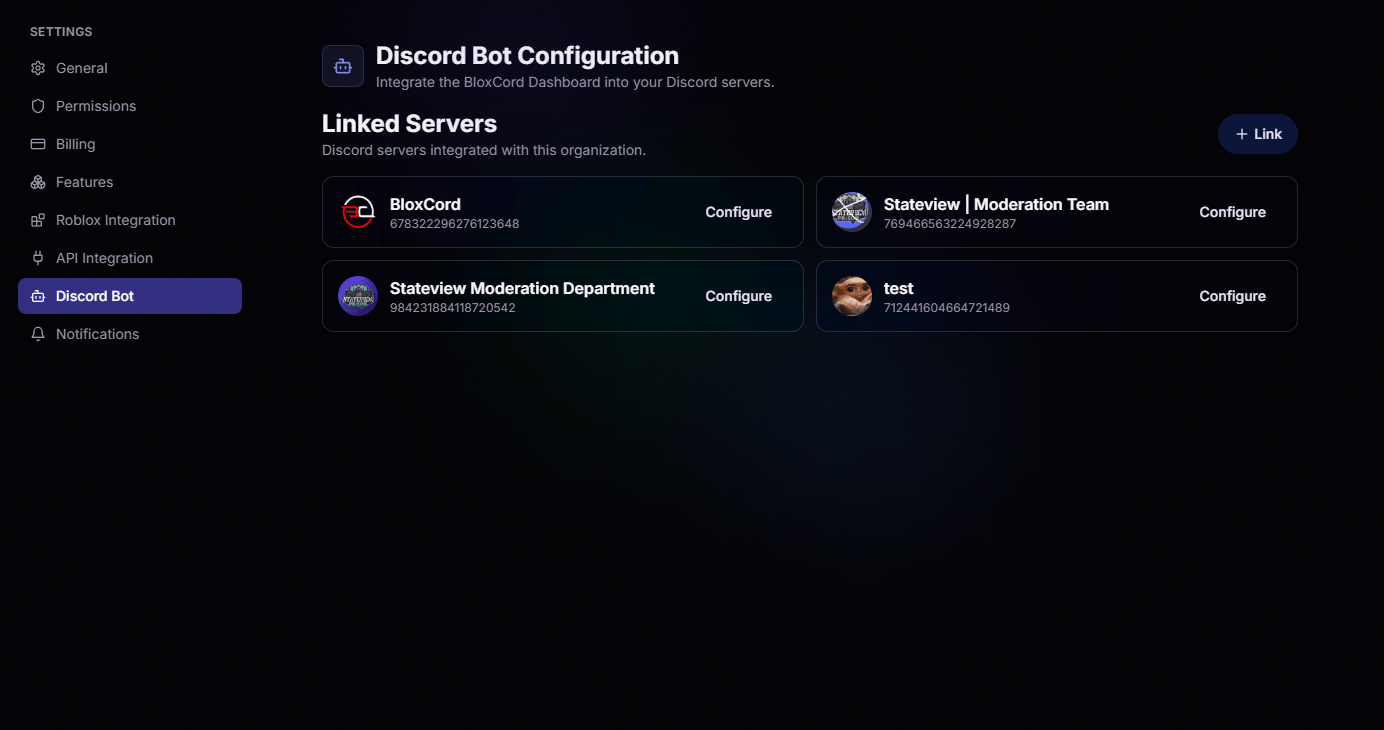
Linked Servers
Every Discord server connected to your organization appears here. When linking a new server, BloxCord automatically finds every Discord server you have access to, so there’s no need to copy IDs. Just pick a server, confirm, and you’re ready to configure exactly how the BloxCord bot behaves within it.Configure to Your Liking
Open any linked server to fine-tune every module the bot offers, from group ranking to Discord moderation to verification.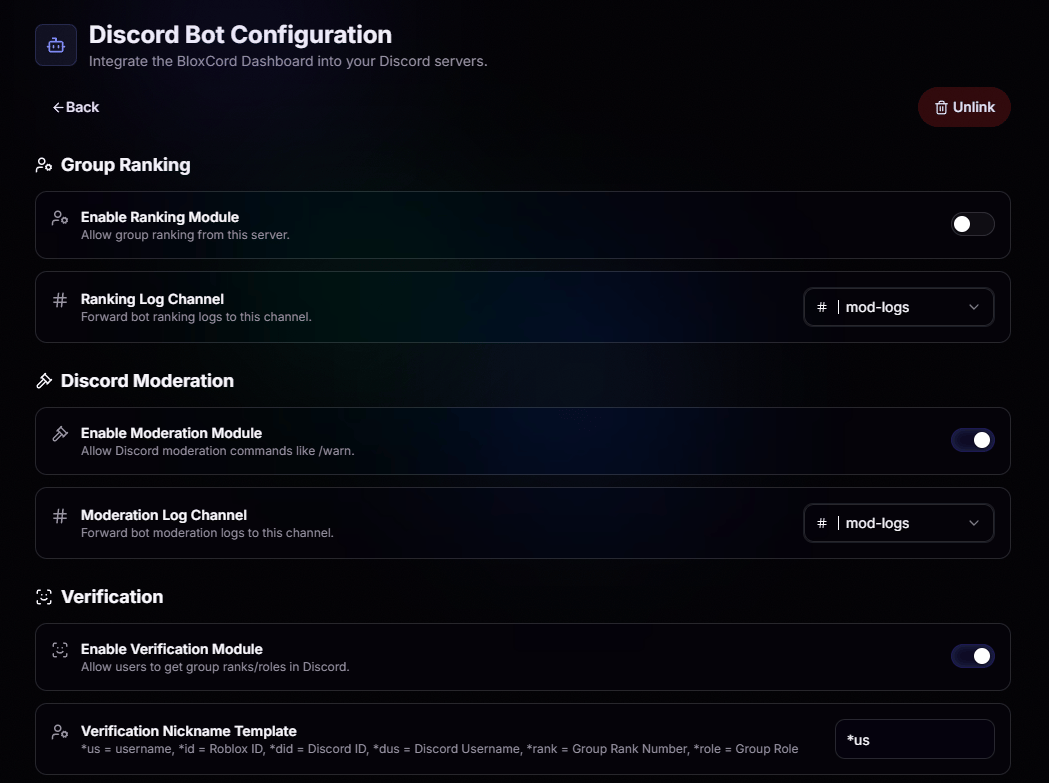
Group Ranking
Toggle in-Discord ranking on or off and pick the channel that catches every rank change.
Discord Moderation
Enable commands like
/warn and route every action to a dedicated moderation log channel.Verification
Let members link their Roblox account and pull group ranks and roles straight into Discord.
Linked Roles
Automatically hand out Discord roles when users verify, mapped to your group ranks.
Nickname Templates
Shape how verified members appear in your server. Use placeholders like*us, *id, *rank, and *role to build a nickname format that matches your organization’s style.