

Gameservers must be enabled before chat logs can be tracked and displayed. Visit the Features tab to get started.
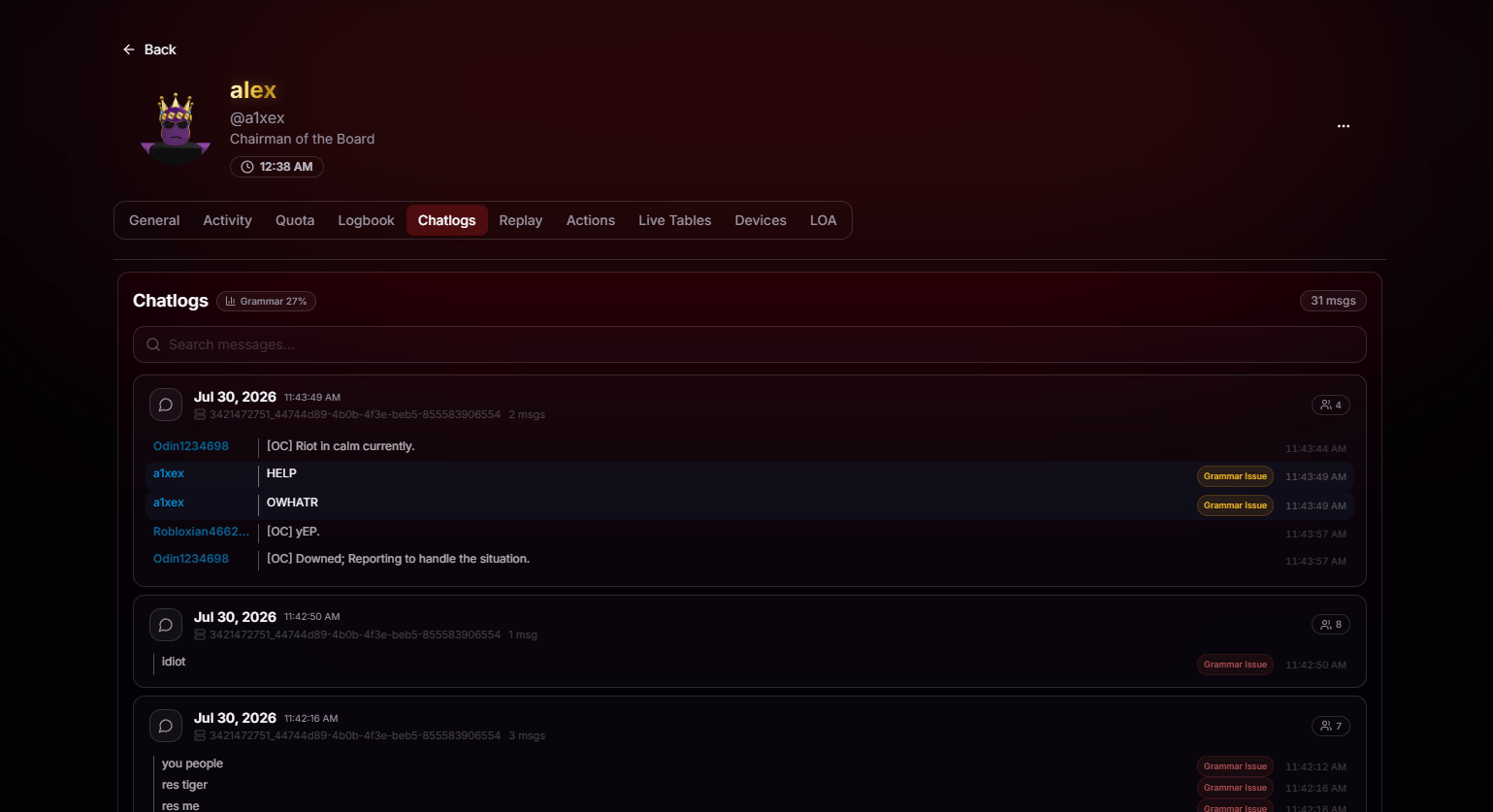
Search and Expand for Full Context
Every message the player has sent is searchable and grouped by conversation. Search by keyword to jump straight to the messages you’re looking for, then expand the conversation to see exactly what was said before and after. No endless scrolling required.Instant Search
Search across every chatlog the player has sent. Names, phrases, single words, whatever you remember from the report.
Expand for surrounding chats
Select any message to instantly view the surrounding conversation. BloxCord shows the messages sent before and after it, giving you the context you need to understand what happened instead of relying on a single line.