

Activity Quotas must be enabled before quota progress and statistics can be displayed. Visit the Features tab to get started.
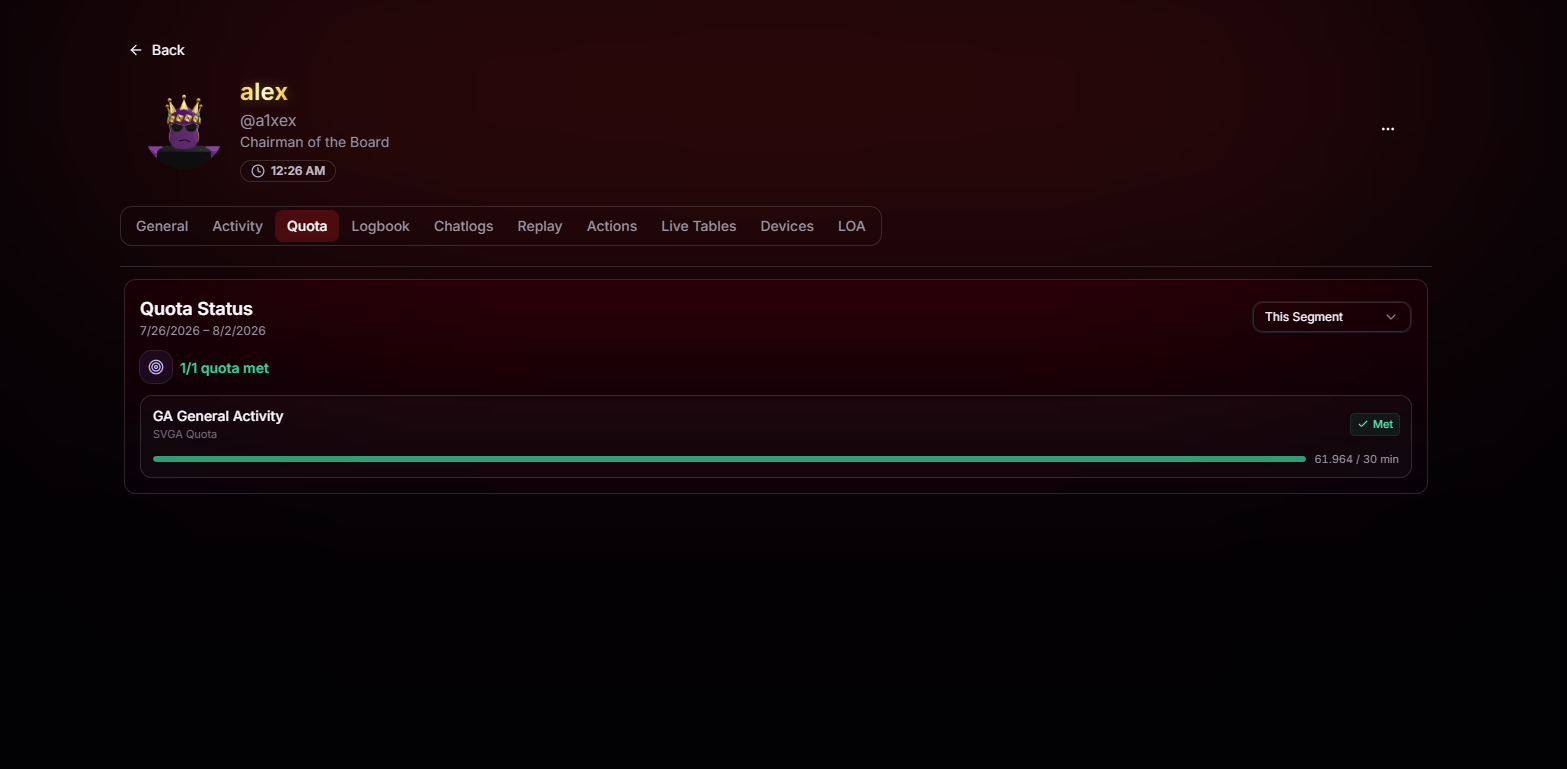
- Quota status for the selected segment, including how many quotas have been met out of the total assigned.
- Each individual quota, its type, current progress, target, and whether it’s marked Met or not.
- Segment filter in the top right, so you can review this segment, past segments, or whatever range that matters to you.