

Leave of Absence must be enabled before leave requests can be submitted, reviewed, or managed. Visit the Features tab to get started.
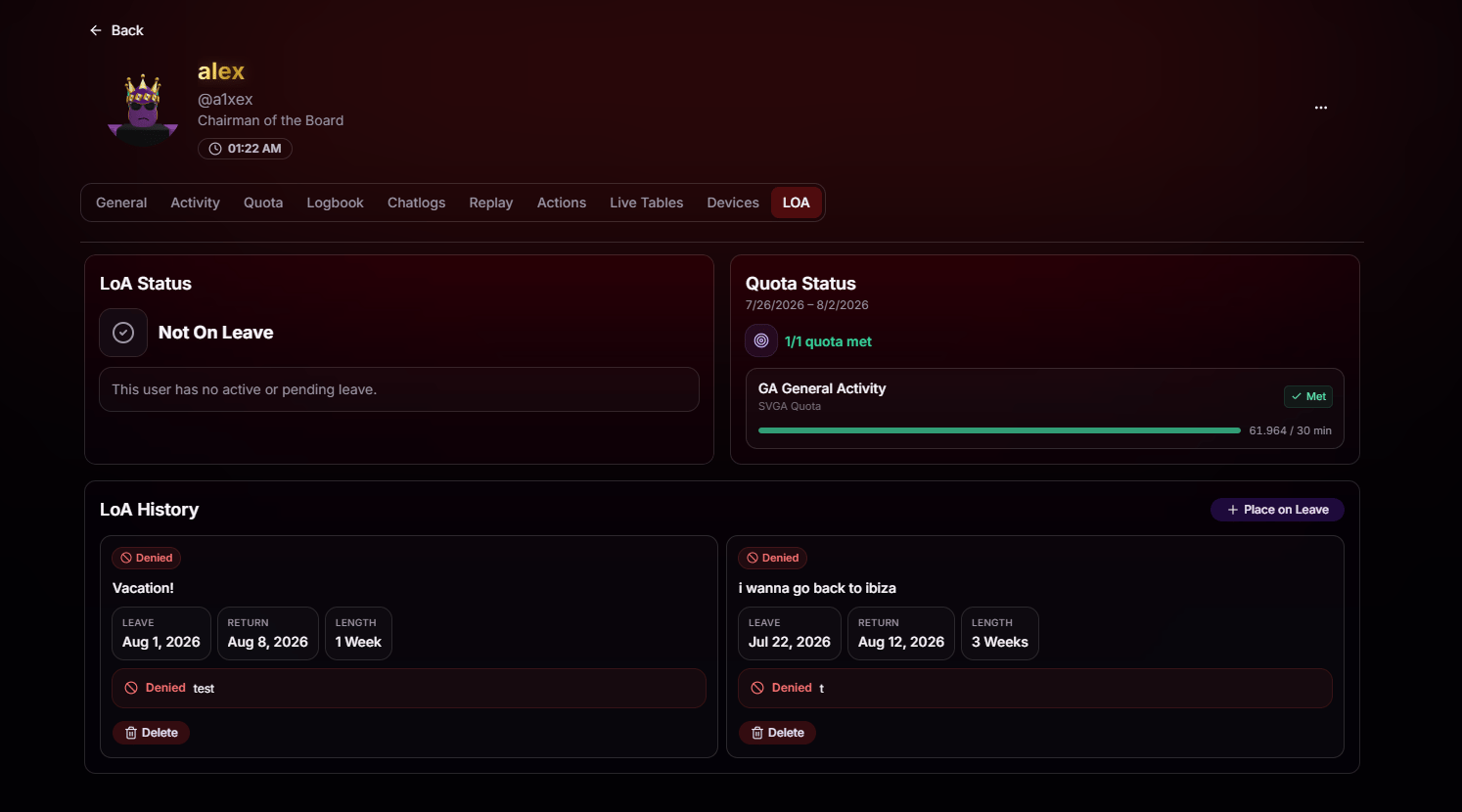
LoA Status
See instantly whether the user is currently on leave, has a pending request, or is fully active. No digging through requests to figure out who’s available.
Quota Status
Review the user’s quota for the current period so you know if they’ve met the requirements before approving time away.
LoA History
Every past request, whether approved or denied, with dates, length, and the reason it was decided that way.
Place on Leave
Skip the request flow entirely and place a user on leave directly from their profile when circumstances call for it.